Meta Introduces Crossposting Between Instagram, Facebook, and Threads: Should You Use It?
In a move that may divide social media managers and users alike, Meta has rolled out a new feature allowing crossposting between Instagram, Facebook, and Threads. This update, while potentially convenient, raises questions about whether it’s the right approach for all users. The ability to amplify your updates across all three platforms simultaneously could save time, but it also comes with limitations and potential downsides. In this article, we’ll explore the details of this new feature, its pros and cons, and whether crossposting is a strategy you should adopt.
What Is Crossposting and How Does It Work?
The Basics of Crossposting
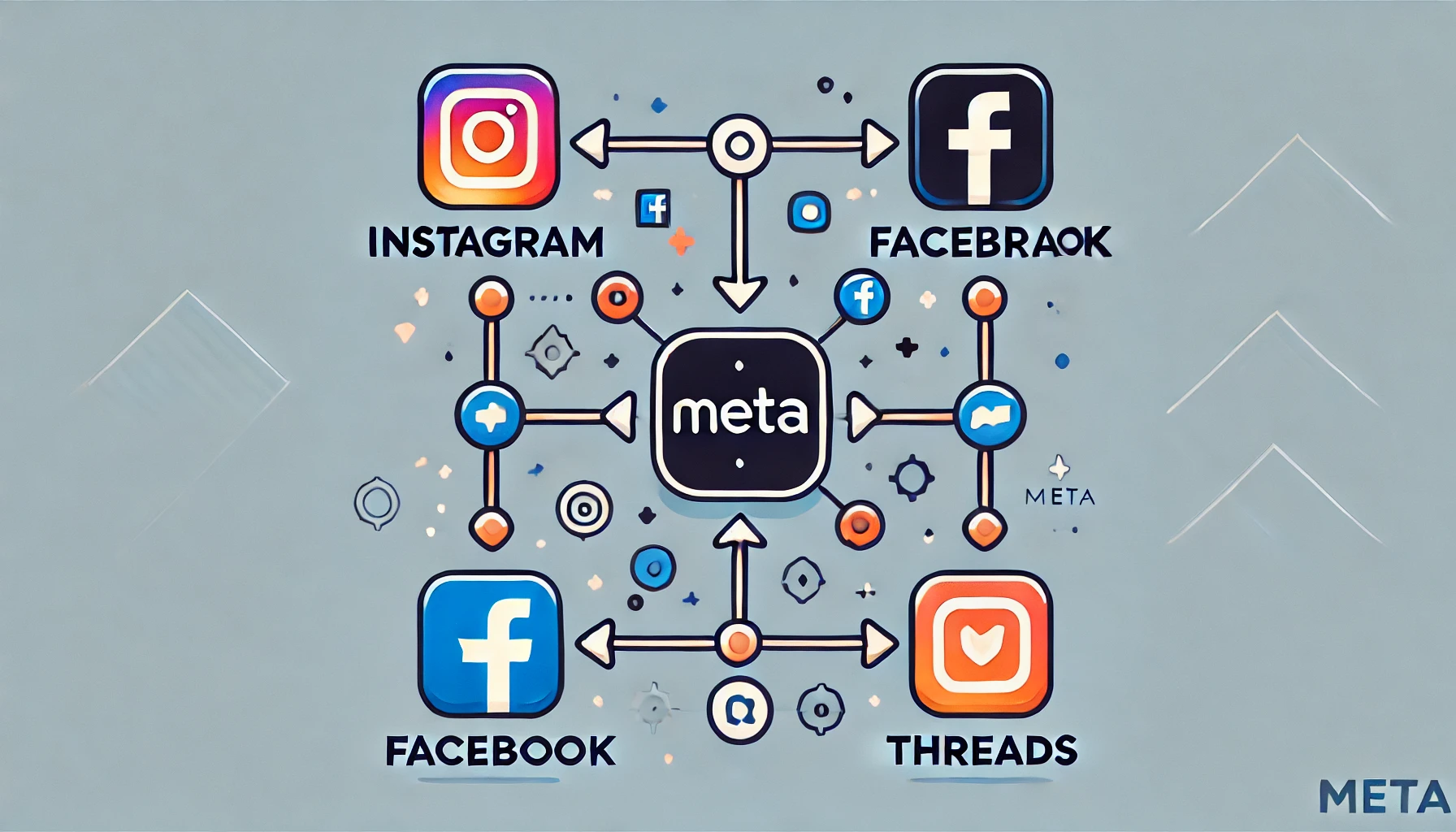
Crossposting is the process of sharing the same content across multiple social media platforms at once. With Meta’s latest update, users can now crosspost from Instagram and Facebook directly to Threads, making it easier to keep all of your social media accounts up-to-date with minimal effort. However, there are a few key points to consider:
- Content Types: Currently, you can only crosspost text and link posts from Facebook, and Instagram posts (excluding Reels). The caption from your Instagram post becomes the text for your Threads post, with hashtags converted into plain text.
- Activation: Crossposting must be activated manually in your post settings, or you can set up auto-sharing for all your Instagram posts.
What You Can and Can’t Crosspost
- Reels: At this stage, Reels cannot be crossposted to Threads.
- Facebook Videos: You can only crosspost text and link posts from Facebook, not videos.
- Instagram Hashtags: When crossposting from Instagram, hashtags are not preserved as clickable tags on Threads; they become plain text.
The Pros and Cons of Crossposting
Pros: Time-Saving and Consistency
One of the primary advantages of crossposting is the time it saves. Managing multiple social media accounts can be time-consuming, and crossposting offers a way to streamline this process. By sharing the same content across Instagram, Facebook, and Threads, you ensure that your followers on all platforms are aware of your latest updates.
Advantages:
- Efficiency: Reduces the need to manually post the same update on multiple platforms.
- Consistency: Ensures that your messaging is uniform across all channels.
Cons: Differing User Behaviours and Best Practices
While crossposting can be convenient, it may not always be the best approach. User behaviours and expectations differ across platforms, and what resonates on one may not work as well on another. For example, Instagram is heavily visual, while Threads and Facebook might prioritise different types of content.
Disadvantages:
- Lack of Customisation: Crossposted content may not align with the specific formatting or engagement practices of each platform.
- Reduced Engagement: Posts that are not tailored to the unique audience of each platform may see lower engagement rates.
Best Practices for Using Crossposting
When to Use Crossposting
Crossposting can be a useful tool when you have a message that is relevant across multiple platforms, and you need to save time. For example, general announcements or broad updates might be suitable for crossposting.
Ideal Scenarios:
- Announcements: Major updates or news that is relevant to all audiences.
- Time-Sensitive Content: Posts that need to go live on all platforms simultaneously.
When to Avoid Crossposting
However, for most content, it’s better to tailor your posts to each platform. Each app has its own best practices, and a one-size-fits-all approach rarely maximises engagement. For instance, Instagram posts should utilise hashtags for discoverability, while Threads might benefit from a different approach altogether.
When to Post Individually:
- Platform-Specific Campaigns: Content that is designed for the unique user experience of one platform.
- Engagement-Focused Posts: Posts where maximising likes, shares, or comments is the goal.
How to Activate Crossposting
Setting Up Crossposting in Meta’s Apps
To activate crossposting, you need to adjust your settings in the advanced composer options on both Facebook and Instagram. Here’s how you can set it up:
- Open the Composer: When creating a new post, go to the advanced composer settings.
- Enable Crossposting: Select the option to share your post across Instagram, Facebook, and Threads.
- Auto-Share Setup: If you want to automatically share all Instagram posts to Threads, you can enable auto-sharing.
Is Crossposting Right for You?
Crossposting is a valuable tool for those looking to save time and maintain consistency across platforms. However, it’s important to recognise that each social media platform has its own user behaviour and best practices. For the best results, consider using crossposting selectively, tailoring posts to each platform whenever possible to maximise engagement and reach.