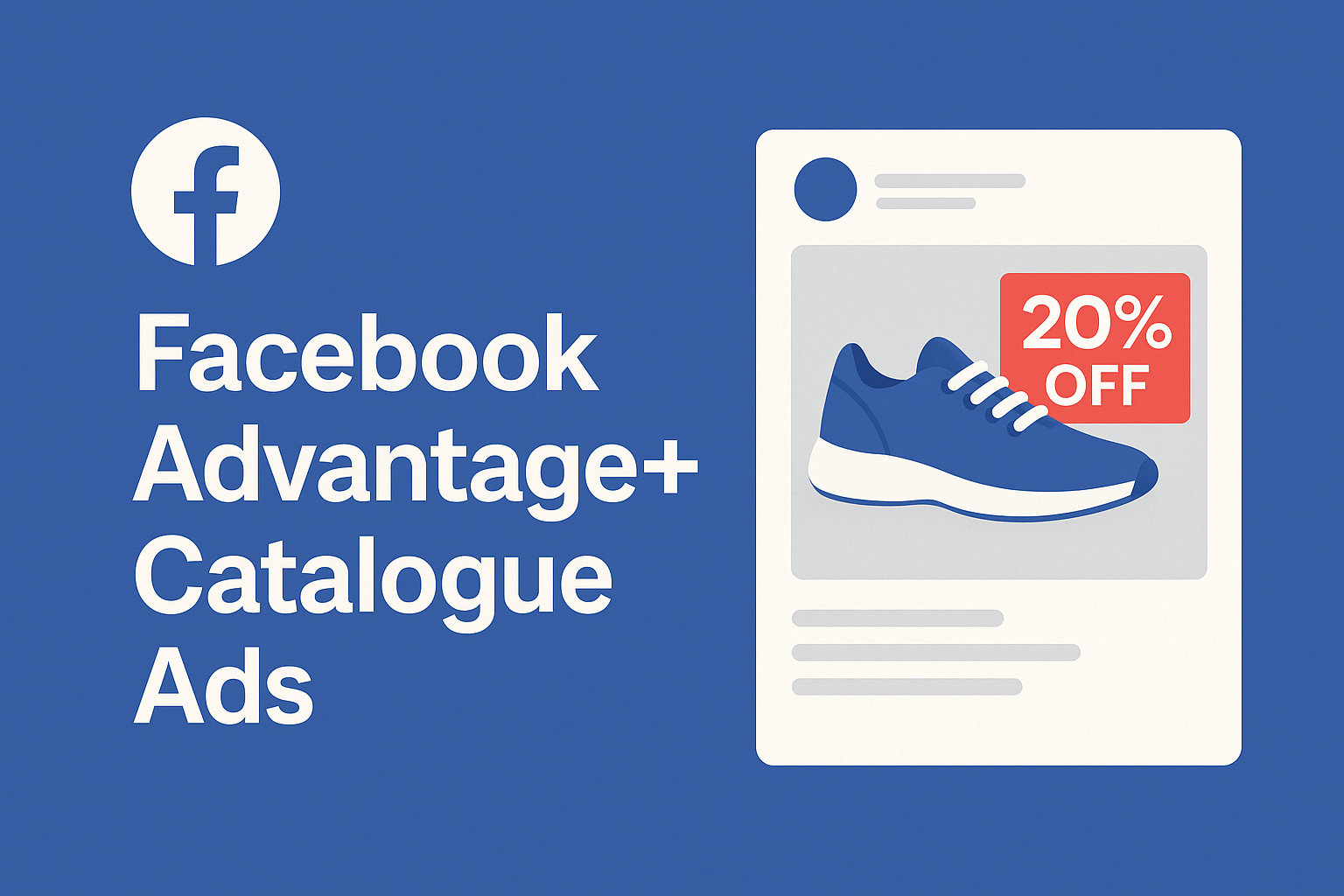
Facebook Advantage+ Catalogue Ads: Boost ROI with Personalised Overlays
In the ever-evolving landscape of digital advertising, personalisation has become a fundamental pillar for effective engagement. Among the tools available to businesses, Facebook’s Advantage+ Catalogue Ads have emerged as a standout feature, empowering brands to deliver tailored product recommendations to potential customers. The recent introduction of overlays has further enhanced these ads, adding a layer of visual appeal and contextual information that makes them more dynamic. This article explores the complexities of Facebook Advantage+ Catalogue Ads with overlays, discussing their benefits, implementation strategies, and best practices for maximising return on investment (ROI).
Facebook Advantage+ Catalogue Ads, previously known as Dynamic Product Ads, harness machine learning to automatically showcase relevant products to users based on their interests, behaviours, and interactions with a business’s website or app. By utilising data from the Facebook pixel or SDK, these ads dynamically populate with items from a business’s product catalogue, ensuring that users view products that resonate with their preferences. Key features include automated personalisation, cross-device functionality, a variety of placement options across Facebook, Instagram, Audience Network, and Messenger, and continuous optimisation through advanced algorithms that refine ad delivery over time for improved performance.
An integral aspect of enhancing Catalogue Ads is the use of overlays, which are graphic elements or text superimposed onto product images. Overlays serve a variety of purposes: they highlight promotions, convey essential information, and reinforce branding. By incorporating overlays, businesses can make their ads more engaging and informative, leading to increased click-through rates and conversions. The advantages of using overlays are manifold; they effectively draw attention to discounts and limited-time offers, maintain a cohesive visual identity across ads, provide additional product details such as free shipping or customer ratings, and enhance visual appeal, making ads pop in users’ feeds.
To effectively implement overlays in Facebook Advantage+ Catalogue Ads, businesses should take several steps. First, it is crucial to have an up-to-date product catalogue with accurate information, including product names, prices, availability, and images. Next, overlay designs should be created to align with the brand’s visual identity, featuring promotional badges, discount labels, or informative text. Within Facebook Ads Manager, advertisers can navigate to the catalogue ad setup and select the option to add overlays or frames to product images. Custom overlay designs can be uploaded, or businesses can take advantage of Facebook’s built-in templates. Additionally, leveraging dynamic fields allows for automatic population of overlays with product-specific details like price or availability. It is also advisable to use the preview function to assess how overlays look on various products and conduct A/B testing to determine which designs perform best.
To maximise the effectiveness of overlays in Advantage+ Catalogue Ads, adhering to best practices is essential. Keeping the design simple helps avoid clutter and focuses on critical information. Maintaining readability is vital; using clear, legible fonts and contrasting colours enhances visibility. Consistency with brand identity should be a priority, ensuring overlay designs reflect the brand’s colours, fonts, and overall aesthetic. Regular updates of overlay content keep the ads fresh and reflective of current promotions, seasonal offers, or new product launches. Continuous monitoring of ad performance and experimenting with different overlay designs will help identify what resonates best with the target audience.
A case study illustrates the impact of overlays in driving engagement. A UK-based online retailer that implemented overlays in their Advantage+ Catalogue Ads to highlight a seasonal sale saw significant results. By adding a “20% Off” badge to relevant product images, they experienced a 15% increase in click-through rates and a 10% boost in conversions compared to ads lacking overlays. This example clearly demonstrates how effective overlays can capture user attention and encourage action.
To assess the success of overlays in catalogue ads, it’s important to track key performance indicators (KPIs). Metrics such as Click-Through Rate (CTR), which measures the percentage of users who click on the ad after seeing it, and Conversion Rate, which tracks the proportion of users completing a desired action, are critical for evaluating effectiveness. By monitoring these KPIs, businesses can refine their ad strategies and improve overall performance.