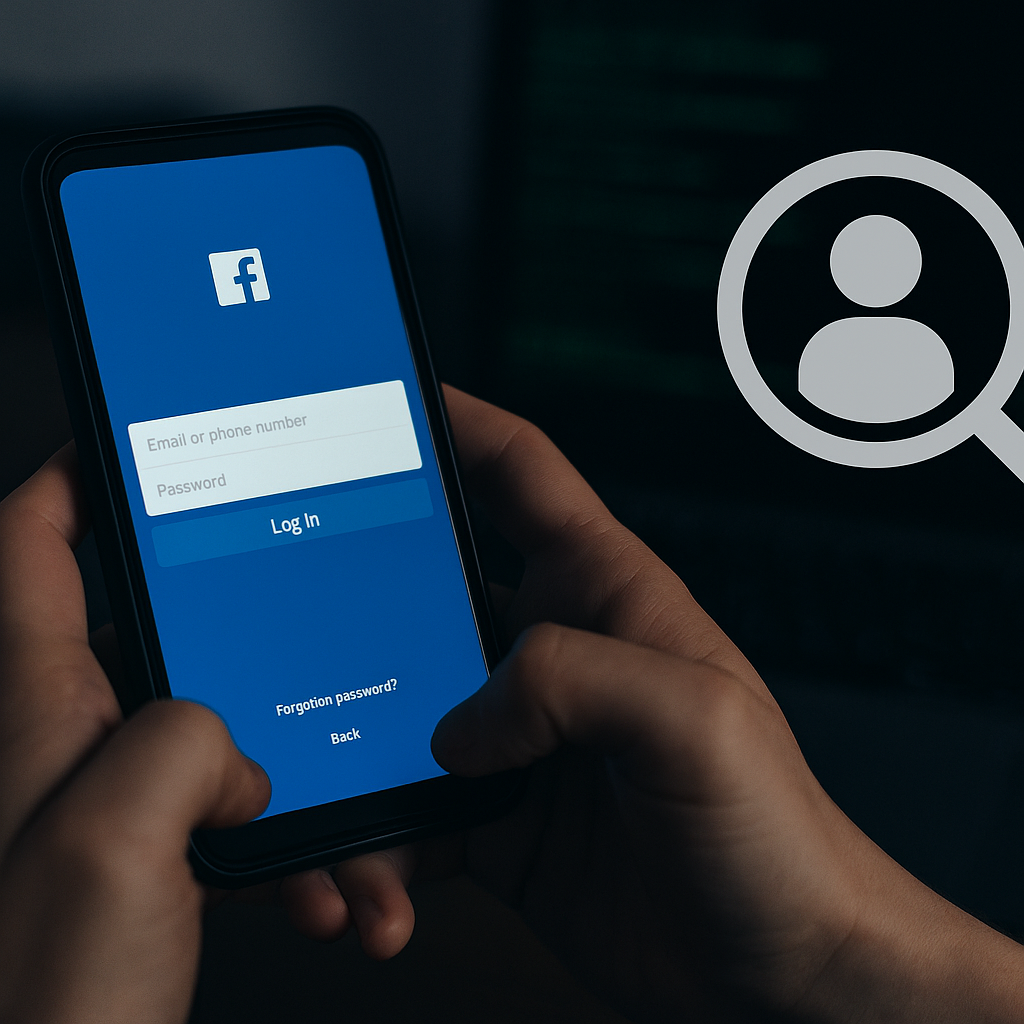
Spying on Facebook Account: How to Detect Intrusion and Protect Your Privacy
In today’s increasingly digital world, where much of our communication, networking, and personal activity occurs online, concerns over privacy have never been more valid. Facebook, one of the largest and most widely used platforms globally, remains a frequent target for hackers, scammers, and malicious individuals intent on breaching users’ privacy. For business users in particular, where sensitive customer data, brand reputation, and communications are often linked to Facebook accounts, being vigilant about potential intrusions is essential. If you suspect someone may be spying on your Facebook account, recognising the warning signs and taking appropriate action could be the difference between minor inconvenience and a serious breach of personal or commercial data.
One of the first and most telling signs that someone could be spying on your Facebook account is unusual activity you don’t recognise. This might come in the form of messages sent that you didn’t write, friend requests to people you’ve never heard of, or posts appearing on your timeline that you never published. While it’s easy to brush off the odd notification or strange message as a glitch, recurring unfamiliar activity should not be ignored. More disturbingly, if you notice changes to your account settings—such as a new email address or phone number being added—this is a strong indicator that someone else may be accessing your account behind the scenes.
Another important step in identifying whether someone is spying on your Facebook account is reviewing your login history. Facebook provides a feature within the “Security and Login” section of the settings menu that allows you to see which devices and locations have recently accessed your account. This can often uncover logins from devices or places you don’t recognise, which is a red flag. If you see sessions that seem unfamiliar, it is advisable to end those sessions immediately and change your password without delay. While there may be occasions where the location appears slightly off due to IP routing or VPN usage, clear mismatches—like logins from different countries or continents—should raise alarm bells.
Difficulty accessing your account or being logged out unexpectedly may also indicate that someone else has changed your credentials. If your usual password no longer works, you should attempt a password reset as soon as possible. If this proves unsuccessful, Facebook’s account recovery process can help you regain control. It’s also important to make sure that the recovery options linked to your account, such as email addresses and mobile numbers, haven’t been tampered with, as attackers often try to reroute recovery methods to lock out legitimate users.
Once you’ve regained control of your account or even if you just want to pre-emptively protect it, there are a number of critical steps you can take to prevent further or future spying on your Facebook account. Chief among these is changing your password. Choose something unique and difficult to guess, avoiding common words, dates, or names. A strong password should include a mix of upper and lower case letters, numbers, and special characters. Consider using a secure password manager to generate and store your credentials safely.
Another highly effective method of protection is enabling two-factor authentication (2FA). With 2FA active, even if someone obtains your password, they won’t be able to log in without a secondary code, usually sent to your mobile device or generated via an authenticator app. This simple feature drastically reduces the chances of unauthorised access and is strongly recommended for all users, especially those managing business pages or advertising accounts.
Regular monitoring of your account activity is also crucial. Facebook allows you to view your active sessions and log out remotely from any devices you no longer recognise or use. Doing this periodically can help you stay in control and act swiftly if anything appears amiss. In addition to checking login activity, it’s wise to review the list of apps and websites connected to your Facebook account. Over time, many users accumulate numerous third-party apps, and some of these can be exploited to harvest personal information. Removing outdated or suspicious apps reduces risk and tightens your security settings.
Vigilance against phishing attempts is equally important when protecting your account. Scammers often mimic legitimate Facebook pages or use fake emails and messages to trick users into revealing their login credentials. These phishing attempts may lead to pages that look like the Facebook login screen, but are in fact designed to steal usernames and passwords. Always double-check the web address before entering login details and never click on suspicious links, especially those sent by unknown senders. Facebook also offers the option to receive alerts for unrecognised logins via email or text, and enabling this feature can provide an early warning system if someone attempts to access your account from an unfamiliar location.
If, despite all precautions, you still believe someone is spying on your Facebook account, it’s important to act quickly. Report the suspicious activity directly to Facebook through their Help Centre and follow their guidelines for securing your account. You should also thoroughly review your privacy settings to ensure that your information isn’t being shared more widely than necessary. Restricting who can see your posts, who can send you friend requests, and who can look you up using your contact information can all help minimise the risk of unwanted surveillance.
In conclusion, spying on Facebook account activity is unfortunately more common than many users realise. Whether for personal curiosity, malicious intent, or competitive business advantage, unauthorised access to a Facebook account can cause real damage. By remaining alert to the signs of intrusion, regularly reviewing your account activity, and taking advantage of Facebook’s built-in security tools, you can safeguard your information and protect your digital presence. Ultimately, the key is not only to react quickly when something seems wrong but also to proactively secure your account so that you don’t become an easy target in the first place.