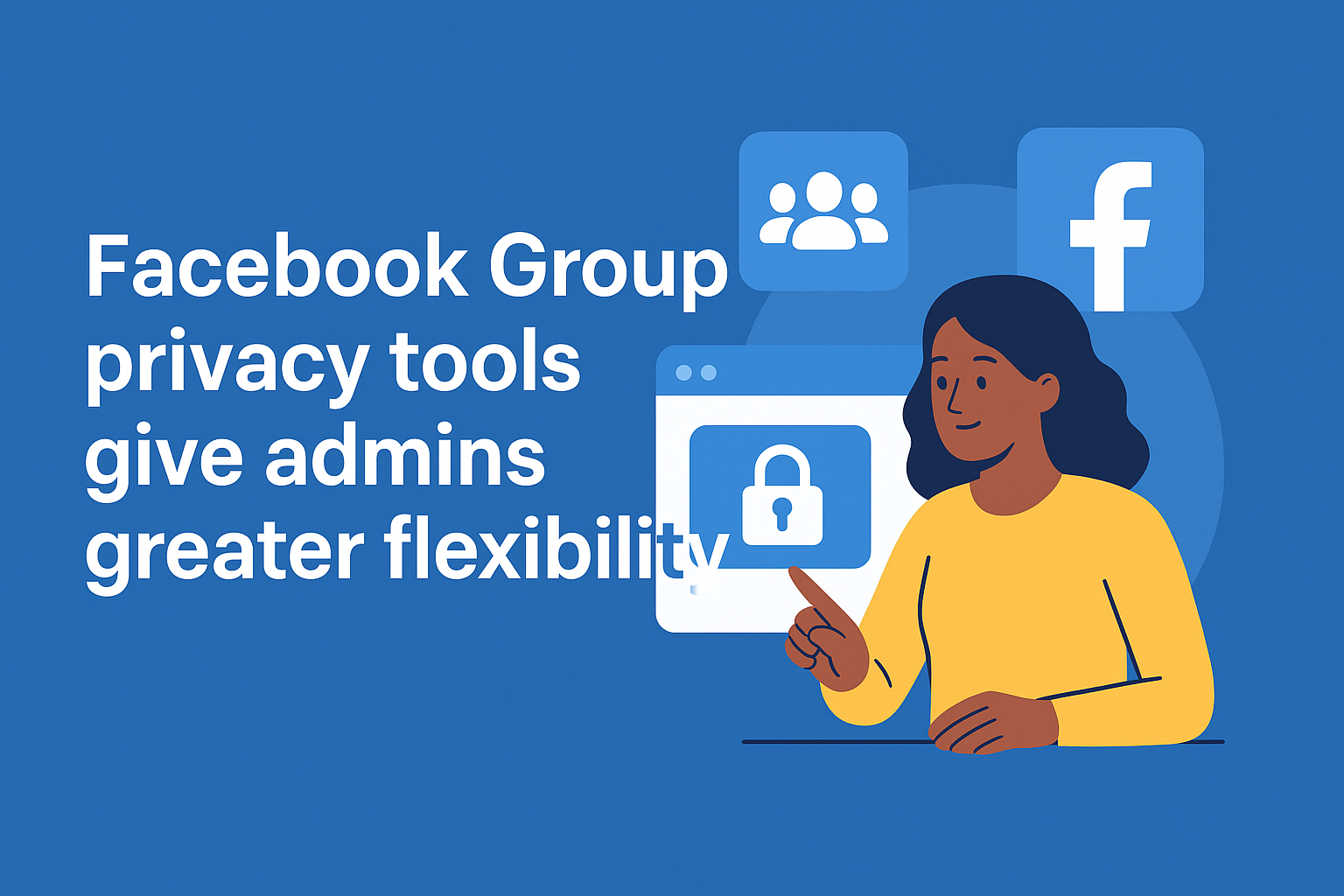
Facebook’s New Group Privacy Tools Give Admins More Control and Flexibility
Today, we’re unpacking the latest update from Facebook that gives business users and community admins serious new power, explaining why the focus on Facebook Group privacy tools is so important and how you can make the most of them. The key phrase “Facebook Group privacy tools” features in this article to optimise for search on fixfb.co.uk, and we’ll explore the what, why, and how of the update from an expert point of view.
Facebook has announced a change in its group management settings that lets group administrators convert a private group into a public one, whilst safeguarding the original private content and member details. For business users managing communities, this means the flexibility to grow a group’s reach without sacrificing member trust or deleting earlier content. That’s precisely why the emphasis on Facebook Group privacy tools matters.
From a detailed perspective, the update works like this: When an admin of a private Facebook Group chooses to convert it to public, past posts, comments, and reactions shared while the group was private remain visible only to the members who were in the group before the conversion, and to the admins and moderators. At the same time, after conversion, any new posts become public and accessible to wider audiences, even non-members, helping with discoverability and growth. The member list remains shielded: only admins and moderators can view the full list even after the group becomes public. To ensure proper governance, Facebook also built in a three-day review window after the admin initiates the change, during which other admins are notified and can cancel the conversion if they believe the group is not ready. Overall, this means the Facebook Group privacy tools are designed to give community managers the best of both worlds: growth potential with retention of private member content safeguards.
Why should business users care about the Facebook Group privacy tools? Firstly, many companies utilise Facebook Groups as a means of building engaged communities around a brand, product, or service. Historically, they had to choose: keep the group private (restricting discovery) or make it public (risking exposure of private content). With these new tools, that trade-off is reduced. You can begin privately, build trust, and then transition to public once you’re ready, knowing early content remains restricted to original members. Secondly, from an SEO and discoverability standpoint, converting to public can increase the visibility of the group in search results, help attract new members, and expand the community reach. Tech commentary notes that public groups may be indexed more broadly once posts become visible to all. Thirdly, member trust matters: the update signals to members that their earlier contributions aren’t instantly exposed when the group’s status changes. That helps maintain goodwill and community cohesion, an important factor when the group is linked to a business brand. (TechCrunch+1)
For a business user or community manager wondering how to act, here are some expert suggestions on leveraging the Facebook Group privacy tools effectively. Start by auditing your current group: Are you in a private group that has reached growth limits? Does the topic warrant public exposure, or will you keep it niche? Use the Facebook Group privacy tools when you’re ready for discovery, not too early. Communicate clearly with your members: inform them about the intended conversion, what will and will not be visible after the change, and invite feedback. Using the built-in three-day review window gives you a buffer to align co-admins. When you initiate the conversion via the group settings (as Facebook provides), you will have this window to cancel if necessary. After conversion, make sure you update group rules, posting guidelines and member notifications, because new posts will be public and you’ll want to moderate accordingly. Also monitor member response: if some members are uncomfortable with the shift, use the Facebook Group privacy tools to revert to private if needed. The option to switch back gives you a fallback. And importantly, for older posts and discussions that remain private, you may decide to pin or archive key content rather than exposing it publicly. That retains continuity for your core members.
In conclusion, the Facebook Group privacy tools represent a meaningful upgrade for business-facing group admins who want to scale while retaining member trust and content integrity. By incorporating clear communication, strategic timing and informed decision-making, you can use these tools to maximise both community engagement and brand exposure. For businesses with an existing private group, it’s a signal that you can now evolve into a public space without losing the value of historical discussions. So if you’ve been waiting for a path to growth while safeguarding the community, the Facebook Group privacy tools are the one to explore now.