How to Accept Facebook Lead Terms for Successful UK Lead Ads
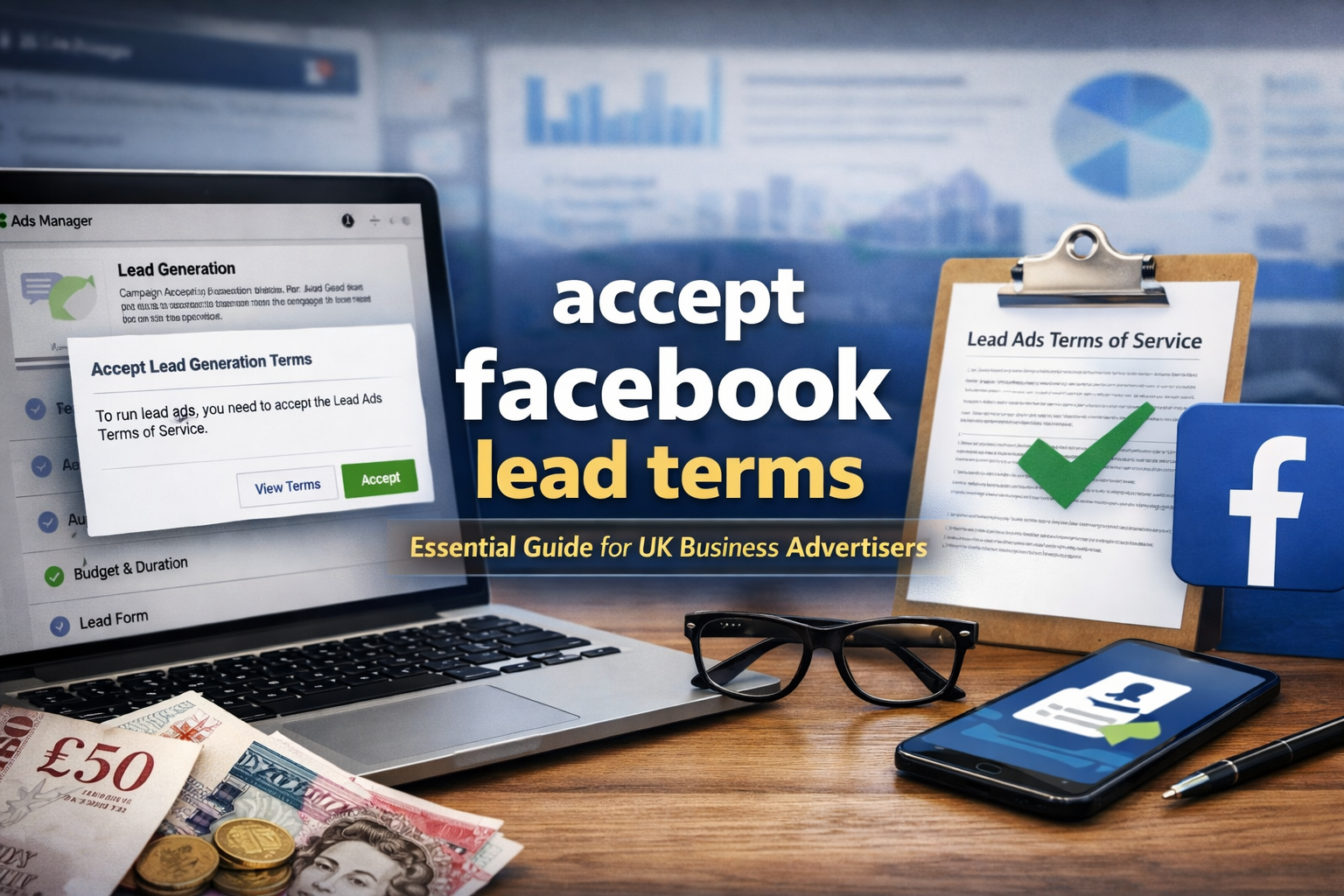
Accepting Facebook lead terms is a critical step that many UK business advertisers overlook when setting up lead generation campaigns on Meta’s platforms, but failing to accept these terms means your lead ads simply won’t run, and you can be left frustrated with unexplained errors. When you choose the Lead Generation objective in Facebook Ads Manager or Meta Business Suite and start building an Instant Form, Facebook will prompt you to review the Lead Generation Terms of Service and click to accept them before you can proceed with publishing your campaign, and this requirement applies specifically to the Page you are advertising from and must be done by someone with the correct administrative access.
From an expert standpoint, you must make sure only people with full administrator access for the relevant Facebook Page or Business Manager account attempt to accept the terms, because users with lesser roles, such as Editor or Analyst, won’t see the “Accept” option. If you don’t see the prompt, it could mean someone else has already accepted the terms for that Page, or you aren’t running the ad objective that triggers the acceptance flow. The one‑time acceptance per Page means you typically won’t be asked twice once it’s done, but any change in Page admin roles or Meta’s interface can sometimes lead to repeated prompts, which you should address promptly so your campaign set‑up isn’t blocked.
Accepting Facebook lead terms properly involves going to the Instant Form section either during ad creation or via the Instant Forms area in Meta Business Suite and locating the terms prompt, which often appears as a highlighted message or link. By clicking “View Terms” and then selecting “Accept” after reading through the legal wording, you give your formal consent to Meta’s requirements for using Lead Generation Features; once accepted, the notice usually disappears, and you can continue creating and launching your lead generation campaigns without error.
Accepting Facebook lead terms is also about legal compliance and safeguarding your business reputation. By agreeing to these terms, you commit to protecting the personal information of leads, using it only for the stated purpose of your campaign and not sharing or selling it in ways that breach user expectations or legal requirements. These conditions reflect both Meta’s internal policies and wider international data protection standards, so getting into the habit of reviewing them carefully before acceptance can save you from costly missteps or policy violations later.
In conclusion, UK advertisers must ensure they correctly accept Facebook lead terms before running lead ads; failure to do so will block campaign publishing and could lead to confusion or wasted ad spend. Always ensure you have the correct admin permissions, locate the prompt in the Instant Form section, click through to read the terms, formally click “Accept,” and then verify that the prompt is gone so you can proceed with confidence. This simple yet essential step unlocks the full potential of Meta’s Lead Generation features and keeps your campaigns compliant with the platform’s requirements.